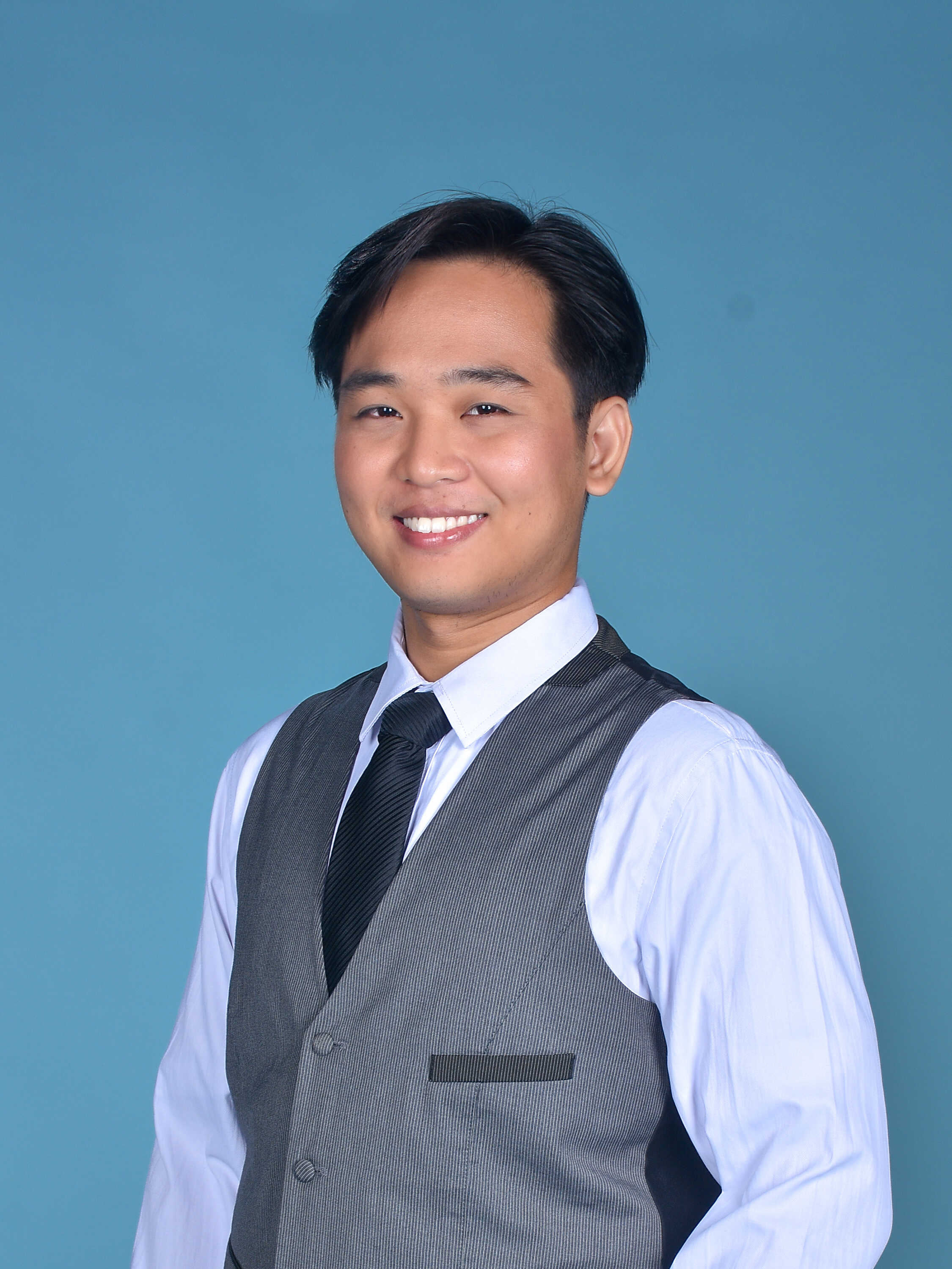
I'm Zherish Galvin. I build n8n automations for a living, and this assistant is the one I run every day — it reads my mail, keeps my tasks, and remembers what I'd otherwise forget.
It reads your Gmail, manages Google Tasks and Calendar events, and remembers what you tell it — so it gets smarter the more you use it. Drop your email and I'll send you the Personal AI Assistant workflow, free.
One email from me to you. No gated setup calls, no "book first" friction.
The complete "Personal AI Assistant" workflow file (.json) — ready to import into n8n and run. Yours to keep and modify.
Which credentials to add, how to connect your Telegram bot, and the first message to send it. Plain English.
A short walkthrough on YouTube showing the import and credentials, end to end. Watch and follow along.
Message it on Telegram. It reads, writes, schedules, and remembers — so your inbox and to-do list stop being the same thing.
Ask "what needs a reply?" and it surfaces the emails that actually matter — not the newsletters.
Message a thought, it becomes a Google Task. No app-switching, no lost ideas between calls.
"Book a 30-min call with Jane next Tuesday" → it creates the event. Viewings, interviews, follow-ups.
The more you use it, the more it remembers — your preferences, your phrasing, your habits. So next time you ask, it already knows the context.
Four steps. The slowest part is setting up your credentials.
I'll email you the workflow .json plus the setup note right after you submit.
In n8n: Workflow → Import from File. Pick the file you downloaded. Done.
Telegram Bot, Gmail, Google Tasks, Calendar, and a free cloud database to store its memory (Supabase has a free tier).
Say hi, then start delegating. Ask it to triage, remind, schedule, or remember.
I'm Zherish Galvin. I build n8n automations for a living, and this assistant is the one I run every day — it reads my mail, keeps my tasks, and remembers what I'd otherwise forget.
No booking link, no scheduler. Tell me what you're working with and what you want automated — I build custom n8n workflows beyond just personal assistants. I'll scope it with you, then send you a price.
The Personal AI Assistant workflow plus a short setup note, on its way in a minute.
The workflow is on its way. If it doesn't arrive in a few minutes, check your spam folder.
Yes. The .json workflow is yours to keep, run, and modify. No paywall, no trial. If you later want a version tailored to your stack, that's a separate (optional) conversation.
n8n (Cloud or self-hosted), a Telegram bot token (free from @BotFather), and Google credentials for Gmail, Tasks, and Calendar. For memory, a free cloud database — Supabase has a free tier that works perfectly.
It only acts on what you ask it to. It can summarize or surface emails on request, and it never sends mail without your say-so. You connect your own Google credentials — you're in control.
Yes, both. The nodes used are all standard n8n nodes — no custom code or paid plugins required.
Reply to the delivery email and I'll help you troubleshoot.